
“Simplicity, simplicity, simplicity! I say, let your affairs be as two or three, and not a hundred or a thousand.”
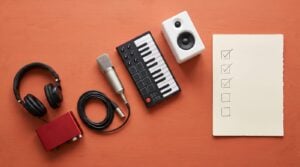
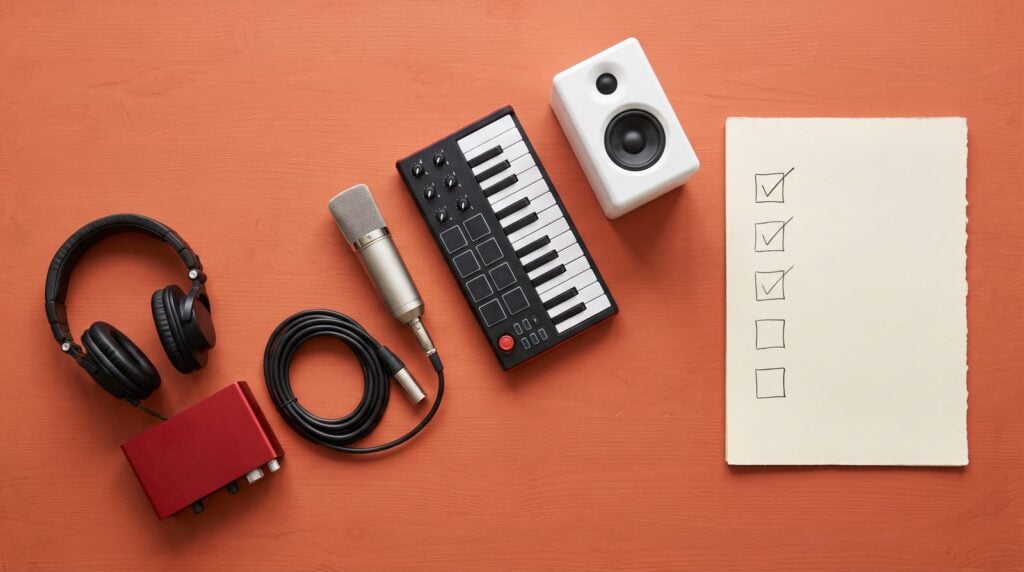
A home studio checklist starts with four essentials: a computer, a DAW like FL Studio, studio headphones and, once you record or want speakers, an audio interface with monitors. Then add only what your music needs, like a mic if you sing or a MIDI keyboard if you play keys, and set up the room and desk last.
You’ve seen the studio tours. Racks of gear, panels on every wall, two big speakers lit up in the dark. Then you look at your own desk and wonder how much of that you need before your first song counts. A lot less than the photos suggest.
This checklist puts every piece of home studio gear in the order you’d actually buy it. Each item gets a real price from our buying guides and a link to the full list. You can stop at any step. You can still make music tonight.
Table of Contents
What equipment do I need for a home studio?
You need four things to make music at home: a computer, a DAW (the program you make music in) and studio headphones. The fourth, an audio interface with studio monitors, joins once you record or want speakers. Everything past that depends on how you make music. Max, the founder of Mix Elite, puts it plainly in his gear video: “That’s all the necessary hardware you need to make music. Believe it or not, everything else is totally optional.”
So this home studio checklist asks three questions, in this order:
- Are the essentials covered? Computer, DAW, headphones, then an interface and monitors.
- What’s missing from how you actually work? A mic if you sing, a MIDI keyboard if you play keys, a synth if you like knobs.
- Are the vibes right? Your room, your desk and a space you want to sit in every night.
In the video below, Max walks through the same gear in about seven minutes, from the computer to the software.
The home studio checklist at a glance
Here’s the whole list on one screen. Tick what you already have, and you’ll see that most people are closer than they think.
The essentials
- A computer. The one you own is usually fine to start.
- A DAW. FL Studio has a free trial with every instrument and effect.
- Studio headphones with a flat sound.
- An audio interface, once you plug in a mic or speakers.
- Studio monitors, once your room and budget are ready.
For how you work
- A microphone, a stand and a pop filter, if you sing or rap.
- A MIDI keyboard, if you play keys.
- A hardware synth, if you love real knobs.
The vibe
- Speaker and desk placement. This one is free.
- Soft furniture first, acoustic panels later.
- A desk and chair that fit the speaker triangle and your back.
What order should you buy home studio gear in?
Buy in the order that changes your music the most per dollar: headphones first, then the one piece your music needs, then monitors, then the room, then extras. Here’s that path with real prices from our guides, so you can see the running total at each step.
The order matters more than the brands. Headphones come first because you hear every decision through them, every single night. Monitors wait until step 4. They only sound honest once they’re placed well, so buying them first can mean paying $300 to hear your room instead of your song.
Question 1: Are the essentials covered?
These are the home studio essentials every setup shares, whatever music you make. Go through them in order, and don’t buy the next one until you need it.
1. A computer: use the one you have
Start with the computer you already own. It will likely do fine for your first months. If you upgrade, Max’s video says to look for the highest single-core speed, at least 16 GB of RAM (32 GB to grow) and an SSD. Any Apple M-series Mac is a great pick. Our guide to the best laptop for music production lists 13 machines. The cheapest are the Apple MacBook Neo ($699 on Apple’s US store) and the Acer Swift Go 16 AI ($699.99 at Best Buy). If your projects crackle, try our FL Studio crackling fixes before you buy anything.
2. A DAW: FL Studio and free plugins
Software is gear too, and it’s the part you’ll use the most. The FL Studio trial gives you every instrument and effect with no time limit; it just can’t reopen saved projects, so export each song before you close it. Paid editions start at $99 on Image-Line, and Max’s advice is to “get the producer edition. It’s the best bang for your buck.” Our best DAW for beginners guide compares FL Studio with Ableton Live, Logic Pro and Pro Tools.
You don’t need to buy plugins to start, either. FL Studio’s own effects can mix and master a full song. For more, start with our free mixing plugins and the free VST instruments for trap.
3. Studio headphones: your first real buy
Look for a flat frequency response, which means no boosted bass or highs. You also want good imaging, so you can hear where each sound sits from left to right. Pick closed-back if you’ll record vocals. They keep the beat from leaking into the mic. Under $100, record with the Sennheiser HD 280 PRO ($99.95) or mix on the AKG K240 Studio ($99). The Samson SR850 ($49.99 at Sweetwater) starts you off for under $50. All 31 pairs are in the best headphones for mixing and recording.
4. An audio interface: once you plug something in
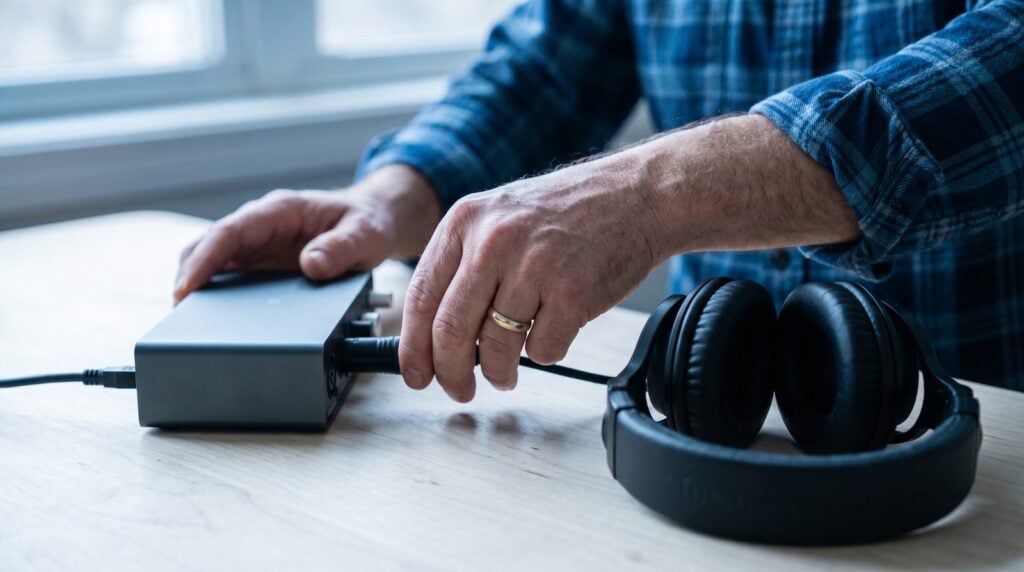
An audio interface is a small box that connects a mic, a guitar or studio monitors to your computer. You only need one when you plug one of those in. Two inputs are enough for one person. Max’s warning is worth keeping: “watch out for ultra cheap interfaces because they can break quickly, introduce latency, or not give your microphones enough power to record.”
For one mic, the Arturia MiniFuse 1 ($149) and the Focusrite Scarlett Solo 4th Gen ($159.99) are safe picks. For two, get the Focusrite Scarlett 2i2 4th Gen ($224.99). Under $100, the Audient EVO 4 ($99 at Thomann’s US store) still sets its own recording level. See all 23 in the best budget audio interfaces.
5. Studio monitors: when the room is ready
Studio monitors are speakers built to sound flat, so a mix that’s right on them is right everywhere. Five-inch speakers suit an average room, and you can skip the subwoofer. Max’s rule of thumb: “Monitors don’t wear out like headphones, so for about $300, you can get an amazing sounding pair that you’ll keep for 10 years or more.”
The PreSonus Eris Studio 5 is $299.98 a pair, right on that mark, and the Yamaha HS5 is $199.99 per speaker at Guitar Center. For a small desk, the PreSonus Eris 3.5 2nd Gen costs $99.99 a pair. Compare 21 pairs in the best studio monitors, and read studio monitors vs headphones to see when each one wins.
Question 2: What’s missing from how you actually work?
Buy for the music you make tonight, not for a studio you saw in a photo. Find the line below that sounds like you, buy that one thing, and leave the rest.
If you sing or rap: a microphone
You need a mic, a stand, a pop filter and an interface, or a USB mic that plugs straight into the computer. A condenser mic catches the most detail but also hears your room; a dynamic mic forgives a noisy bedroom. Good first picks are the Sennheiser e 835 dynamic ($99.95), the Audio-Technica AT2020 condenser ($119 at Adorama) and the RØDE NT-USB+ USB mic ($179). The step up is the RØDE NT1 5th Generation ($249) or the Shure SM7B ($439).
Keep the order straight, though. In Mix Elite’s free FL Studio course, Max puts it this way: “after great singing skills comes the recording quality.” Compare mics in the best budget microphones and the best microphones for singing, then set it up with our guide to recording vocals in FL Studio.
If you play keys: a MIDI keyboard
A MIDI keyboard plays the virtual instruments inside FL Studio and makes no sound on its own. Max is honest about it: “So having a MIDI keyboard is cool, but definitely optional.” Until you buy one, press Ctrl + T in the Piano roll to play notes with your computer keyboard.
When you’re ready, the Akai MPK Mini IV ($95 at Thomann’s US store) suits most beatmakers, and the Novation FLkey Mini 25 MK2 ($139.99) comes mapped to FL Studio. For full-size keys, the FLkey 49 MK2 is $289.99. All 20 are in the best MIDI controllers for every budget.
If you like knobs: a hardware synth
Nobody needs a hardware synth to finish a song. FL Studio comes with synths of its own, and you don’t even need to play an instrument. But real knobs can make you want to sit down and play. If that’s you, the Arturia MicroFreak ($399) is our best all-rounder. The Korg volca keys is the cheapest way in, at $159.99 on KORG USA’s store or $125 at Thomann’s US store. See all 14 in hardware synths for beginners.
If you build beats with a mouse: nothing yet
Then question 2 is already done. Keep your money for monitors, or for learning, and come back to this list when you catch yourself wishing for a keyboard or a mic.
Question 3: Are the vibes right?
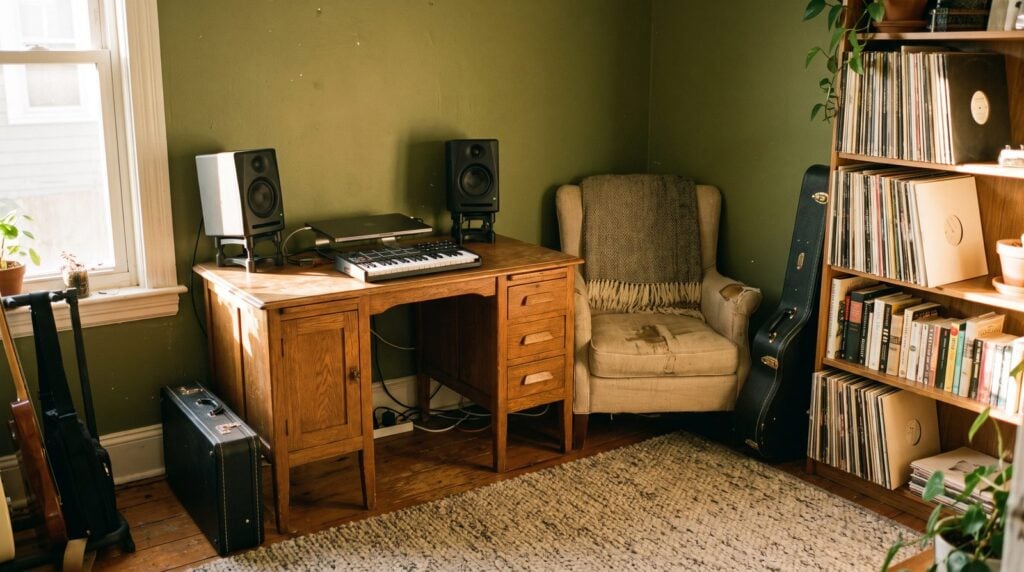
The vibe is your room and your desk. Fix the room before you buy better speakers. Where they sit changes the sound more than which ones you buy. Then make the corner a place you actually want to sit after work.
Placement and acoustic treatment
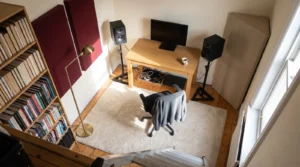
Put your desk against one wall, centered, and sit about 38% of the way into the room. Your head and the two speakers should form an equal triangle, with the tweeters at ear height. Our free studio monitor placement calculator does the math from your room size.
Then soften the room with what you own: full bookshelves, a rug, a sofa, even an old mattress against the wall. Panels come last, at the side-wall reflection points and in the corners. Our DIY acoustic treatment guide shows how to build them.
A studio desk and chair
Any desk wide and deep enough for your speaker triangle works, so a kitchen table is a fine start. Want a real one? Our budget picks are the Monoprice Stage Right Recording Studio Desk ($114.99 at Amazon), the On-Stage WS7500 ($149 at Thomann’s US store) and the Glorious Sound Desk Compact ($259 at Thomann’s US store). Compare 15 in the best studio desks, and get a chair that supports your back.
Make the room yours
Warm light, a spot for every cable and a guitar on the wall sound like small things. They decide whether you sit down at 9 pm or scroll your phone instead. For layouts, lighting and storage that work in a bedroom, see our home studio design ideas.
Home studio setup for beginners on a budget: 3 starter kits
Here’s what the checklist adds up to at three budgets. Every price comes from our gear guides, at the makers’ US stores in October 2026 unless a store is named.
The $0 kit
- The computer you own.
- Any wired headphones. Skip Bluetooth, which adds a delay.
- The FL Studio trial and free plugins.
That’s enough to finish full songs. Really.
The $240 to $370 kit
Studio headphones plus the one piece your music needs:
- Beat kit, $239.94: Sennheiser HD 280 PRO ($99.95) and Novation FLkey Mini 25 MK2 ($139.99).
- USB vocal kit, $278.95: Sennheiser HD 280 PRO ($99.95) and RØDE NT-USB+ ($179). No interface needed.
- Vocal kit that grows, $367.95: Sennheiser HD 280 PRO ($99.95), Arturia MiniFuse 1 ($149) and Audio-Technica AT2020 ($119 at Adorama). The same interface will run your monitors later.
The about $700 kit
- Sennheiser HD 280 PRO, $99.95.
- Arturia MiniFuse 1, $149.
- Audio-Technica AT2020, $119 at Adorama.
- PreSonus Eris Studio 5, $299.98 a pair.
- Akai MPK Mini IV, $95 at Thomann’s US store, if you play.
That’s $667.93, or $762.93 with the keyboard. To plug it all in and set it up in FL Studio, follow our step-by-step home studio setup guide.
What home studio gear is worth paying more for?
Pay more for what you hear every session and keep for years: headphones, monitors and a solid interface. Save on everything that doesn’t change the sound.
Worth paying for
- Headphones you trust, because every decision passes through them.
- Monitors, because a good pair lasts 10 years or more.
- A real interface, because the ultra-cheap ones are the ones that break.
Fine to save on
- The top edition of your DAW.
- A subwoofer, or speakers bigger than 5 inches in a small room.
- Cheap foam on every wall.
- A second synth before you’ve finished songs with the first.
- A fancy desk, while the kitchen table still holds the triangle.
Gear doesn’t finish songs. Skills do.
Here’s the honest part. Better gear makes a finished song sound a little better. It won’t help you finish one. Max says it when he explains why the Producer Edition is enough: “It’s much better to keep the difference you’ll spend on other versions and spend it on your knowledge and skills.”
So put the money you save into learning. Mix Elite’s free 4.5-hour FL Studio course takes you from setup to a mastered track. Our guide on how to finish a song gets you past the 8-bar loop. Want a full path? Mix Elite’s FL Studio Beginner Accelerator ($47) has you finish one full song, vocals included. Mix Elite Academy adds lifetime access, weekly coaching calls and unlimited 1:1 feedback, for $497, or less if there’s a sale on.
THE 7-DAY MUSIC PRODUCER COURSE
Get the gear list, then finish a real track
Day 1 of the 7-Day course covers your setup: the ‘Perfect Triangle’ formula for a pro-sounding home studio on any budget, a download of the best gear for any budget, and exactly which gear and software to get (and what to skip). Then you finish one step of a real track each day, in about 45 minutes. It’s $27, with 60-day refunds.
Frequently asked questions
What is the minimum equipment needed for a home studio?
A computer, a DAW and a pair of headphones. The FL Studio trial gives you every instrument and effect with no time limit, so with the computer and wired headphones you already own, your minimum setup can cost $0. Add an audio interface only when you want to plug in a microphone, a guitar or studio monitors.
How much does a beginner home studio cost?
From $0 extra with what you own, to about $100 for studio headphones like the Sennheiser HD 280 PRO ($99.95). A headphone and MIDI keyboard kit is about $240, a vocal kit with an interface and an AT2020 mic is about $370, and adding a pair of PreSonus Eris Studio 5 monitors brings a full starter studio to about $670, at October 2026 prices.
What should I buy first for my home studio?
Studio headphones with a flat sound. They’re the one piece of gear you hear every decision through, they work in any room and they don’t wake anyone up at night. After that, buy the one item your music needs: a microphone and interface if you sing or rap, or a MIDI keyboard if you play keys.
Do I need studio monitors and headphones?
Not at the start. Headphones alone are enough to make and finish songs. Studio monitors help you judge bass and balance once they’re placed well in a room that doesn’t fight them, so most home producers add a pair later, then mix on one and check on the other before they release a song.
Is a home studio worth it for a beginner?
Yes, if you keep it small. A laptop, studio headphones and FL Studio are a real home studio, and they’re all most beginners need for their first finished songs. Spend more only when your music asks for it, and put the rest into learning, because skills finish songs and gear doesn’t.