“What a computer is to me is it’s the most remarkable tool that we’ve ever come up with, and it’s the equivalent of a bicycle for our minds.”
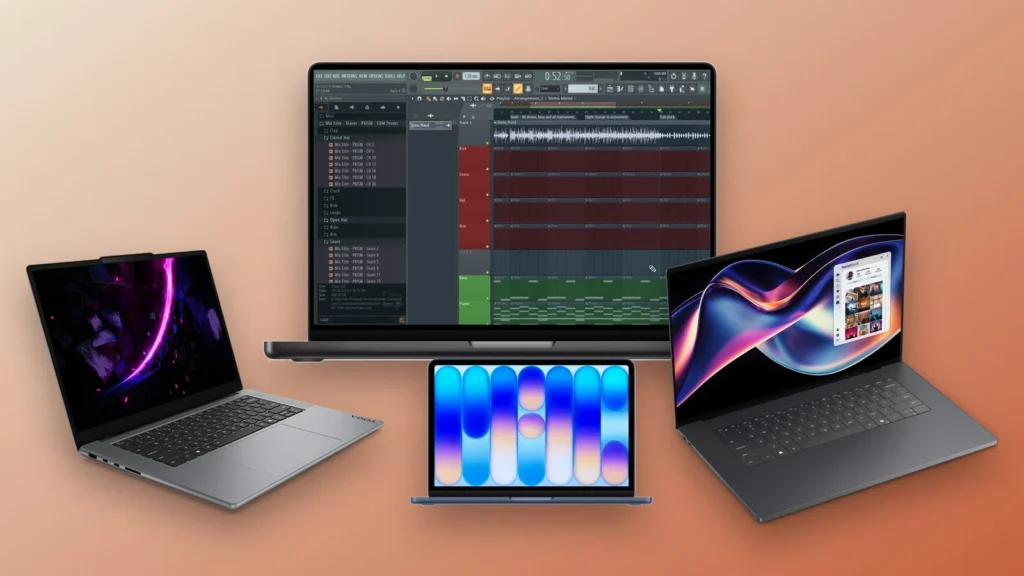
The best laptop for music production for most people is the 13-inch MacBook Air with the M5 chip, 16 GB of memory and a 512 GB SSD ($1,299 at Apple): it’s fast, silent and runs FL Studio natively. On Windows, get a recent Intel Core Ultra or AMD Ryzen chip, 16 GB of RAM (32 GB for big sample libraries) and an SSD, like the Acer Swift Go 16 AI ($699.99 at Best Buy).
You open a new project, load a few synths and a drum kit, press play, and the sound starts to crackle. Or the laptop fan spins up so loud you can hear it on the vocal take. Nothing kills the mood faster.
The good news: you don’t need a $4,000 machine to make music. You need the right four or five specs, and most laptop ads don’t even mention them. This guide explains what actually matters for FL Studio and other music software, in plain words. Then it walks through 13 laptops at every budget, with the exact model to buy and a price checked this month.
Table of Contents
What specs does a laptop need for music production?
A music laptop needs a fast processor, enough memory and an SSD. Look for strong single-core speed, 16 GB of RAM (32 GB if you use big sample libraries), a 512 GB or larger SSD, a USB-C or Thunderbolt port for your audio interface and a quiet cooling system. The graphics card barely matters.
Max, the founder of Mix Elite, opens his gear video with the computer, and his advice is short: “What I need you to look for is CPU with highest single processor core speed and amount of RAM.” In the same breath he adds an SSD, so your projects open fast. Here is that checklist in one place:
Before you buy anything, test what you already own. Max’s honest take in Mix Elite’s free 4.5-hour FL Studio course is that “you’ll likely be fine for the coming months with your current setup.” FL Studio’s free trial has no time limit, so you can try it on your current computer first.
Why is the processor more important than the graphics card for music?
Music software runs almost all of its work on the processor (CPU), not the graphics card (GPU). Every synth and effect has to be worked out in real time, in order, many times a second. A fast CPU keeps that from falling behind. A gaming graphics card mostly adds cost, weight and fan noise.
Here’s why single-core speed matters so much. On each mixer track, the sound passes through one plugin after another: an EQ, then a compressor, then a reverb. That chain runs on one core, because each plugin waits for the one before it. More cores help when you have many tracks. A faster core helps every chain.
That’s also why Max points Mac users to Apple’s chips: “If you prefer Mac, M series processors are unbeatable for music production.” On Windows, today’s Intel Core Ultra and AMD Ryzen AI chips are the ones to look at. Image-Line’s own floor is low, a quad-core CPU for smooth work, so any laptop on this list clears it easily.
How much RAM do you need for music production?
16 GB of RAM is the right amount for most home producers. 8 GB works for beats and synth-based songs, but it fills up fast once you add sample libraries. 32 GB is worth it if you use big orchestral, piano or drum libraries, or keep 50 or more tracks open in one project.
RAM is your laptop’s short-term memory. It holds the sounds and plugins of the project you have open. When it runs out, the computer starts borrowing space from the SSD, which is much slower, and that’s when projects stutter or freeze.
- 8 GB: enough for beats, synths and a few vocals. It’s what the MacBook Neo comes with.
- 16 GB: the sweet spot for most people, and the minimum we’d buy for a laptop you plan to keep.
- 32 GB: for big sample libraries, film-style music and long, heavy projects.
- 64 GB or more: only for full orchestral templates. Most producers never get close.
One catch: on almost every thin laptop today, the memory is built into the board and can’t be upgraded later. Plan ahead. Buy the amount you’ll need in three years, not today.
How much storage do you need, and does SSD speed matter?
Get an SSD with at least 512 GB, or 1 TB if you collect sample packs and plugins. Every laptop on this list uses a fast NVMe SSD, so speed is covered. Size is the bigger question, because sample libraries add up quickly and SSDs slow down when they’re nearly full.
Max puts it simply: “Don’t forget about storing everything on an SSD if you don’t want to be waiting long minutes for your projects and instruments to load.” If the internal drive gets tight, a portable USB-C SSD is a cheap way to add room for sample libraries. Keep FL Studio and your current projects on the internal drive.
Which ports does a laptop need for music production?
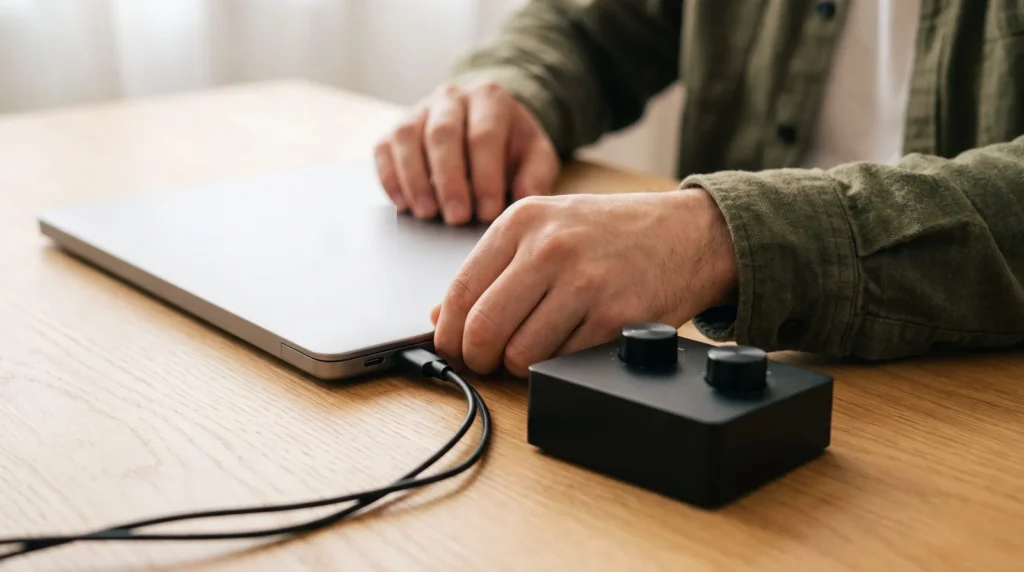
You need at least one USB-C or Thunderbolt port for your audio interface, a second port for a MIDI keyboard or drive, and ideally a headphone jack. A USB-A port and HDMI are handy extras. Plug the interface straight into the laptop, because Image-Line recommends never running it through a USB hub.
Count your gear before you buy. A typical home setup is an audio interface, a MIDI keyboard, maybe an external drive, and a charger. Thin laptops with only two USB-C ports need a dock for that, so check the port list on every pick below. Our audio interface guide shows which interfaces run on USB-C power alone.
How do you find a quiet laptop for recording?
The quietest choice is a laptop with no fan at all, like the MacBook Air, which Apple sells with a silent, fanless design. Next best are thin laptops with low-power chips, such as Intel’s Core Ultra V-series. Gaming laptops are the loudest, but mostly when the graphics card works hard, which music software rarely asks it to do.
Silence matters most when you record. Fan noise only matters while you record with a microphone in the same room. For beats and mixing on headphones, a quiet fan curve is enough. If your Windows laptop has a fan-control app, set it to its quiet or balanced mode while you record.
Is Mac or Windows better for FL Studio?
FL Studio runs natively on both Windows and Mac, so pick the system you already like. Image-Line says FL Studio runs on Apple Silicon Macs (M1 and newer) with no Rosetta needed, and one license works on both systems. The one thing to avoid is a Windows laptop with an ARM chip, because Image-Line doesn’t support ARM on Windows.
Macs are quiet, last long on battery and need almost no setup for audio. Windows laptops give you more choice, more ports and more power for the money at the high end. Both make great music, and FL Studio looks and works almost the same on each.
Watch out: Windows laptops with Snapdragon X chips or NVIDIA’s new RTX Spark chips use ARM processors. Image-Line’s download page says FL Studio is “Compatible with Intel and AMD CPUs; ARM is not supported” on Windows. That includes most Surface Laptops, the 2026 ASUS ProArt P16 with RTX Spark and Dell’s XPS 16 Creator Edition. On a Mac, ARM is fine: Apple’s M-series and A-series chips are fully supported.
What are FL Studio’s system requirements?
FL Studio needs very little: Windows 10 or 11 or macOS 10.15 or newer, 4 GB of RAM and 4 GB of free disk space. For smooth work, Image-Line recommends a quad-core processor, 8-16 GB of RAM and an SSD, and on a Mac, an Apple Silicon chip with macOS 13 or newer. These are Image-Line’s numbers, checked in October 2026.
- Windows minimum: Windows 10 or 11, a 2 GHz processor, 4 GB of RAM, 4 GB of free space. Intel or AMD only.
- Windows recommended: a quad-core CPU, 8-16 GB of RAM and an SSD.
- Mac minimum: macOS 10.15 or newer on an Intel or Apple Silicon Mac, 4 GB of RAM, 4 GB of free space.
- Mac recommended: macOS 13 or newer, an Apple Silicon Mac, 8-16 GB of RAM and an SSD.
Those are the floor, not the goal. Real projects with sample libraries and plugins need more, which is why every pick below has at least 8 GB and most have 16 GB or 32 GB.
What is the best laptop for FL Studio?
The best laptop for FL Studio for most people is the 13-inch MacBook Air with the M5 chip and 16 GB of memory. It runs FL Studio natively, it’s silent and the battery lasts a full day. On Windows, the Acer Swift Go 16 AI is the best value, and the Lenovo Yoga Pro 7i Aura Edition is the pick for big projects.
Any laptop with a recent Intel or AMD chip, or any Apple Silicon Mac, runs FL Studio well. What separates the picks below is how much they can handle before they struggle, how quiet they stay and how many ports you get.
The best laptops for music production in 2026
These 13 picks sit in five groups: under $800, mid-range, MacBooks, Windows laptops for big projects, and portable laptops with long battery life. Inside each group they’re ranked by how well they handle music software, how quiet they are and how much they give you for the money.
Every pick names the exact model to buy: processor, memory and storage. Apple, Dell and Lenovo prices come from their own US stores on October 25, 2026. Acer and ASUS show no prices on their product pages, so those come from Best Buy, linked, in October 2026, along with two Lenovo models that Best Buy sells in that exact configuration. The ASUS Zenbook 14 image is Best Buy’s, because ASUS has no US product page for that model. Laptop prices change often, so check the link before you buy.
Best laptops for music production under $800
You can make finished, release-ready songs on a laptop under $800. These two give you the most music-making power for the money.
1. Acer Swift Go 16 AI
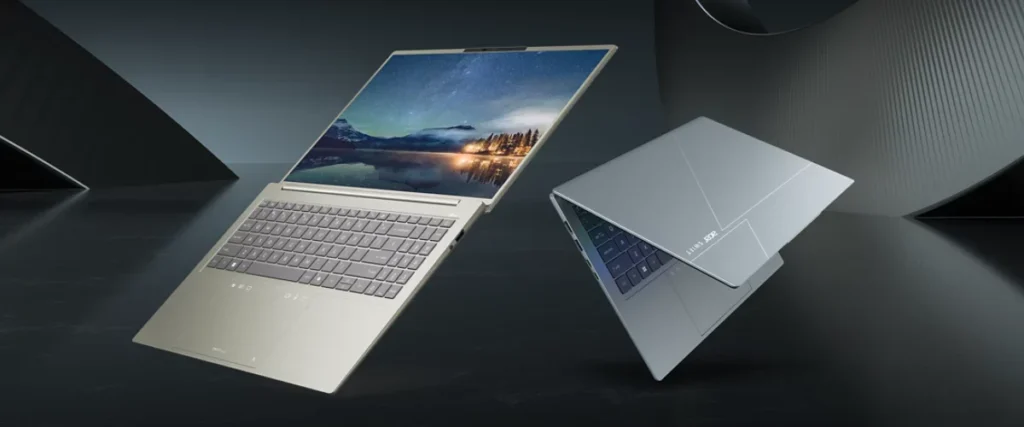
Price: $699.99 at Best Buy (October 2026), Intel Core Ultra 5 322, 16 GB of RAM, 512 GB SSD.
The Swift Go 16 AI is the best Windows laptop under $800 for music. It runs one of Intel’s 2026 Core Ultra Series 3 chips, has 16 GB of memory and a fast 512 GB SSD, and shows your Playlist on a big 16-inch 2K OLED screen. Best Buy lists up to 23 hours of battery life. That’s rare at this price.
For a music setup, the ports are a big plus: Best Buy’s spec sheet lists two Thunderbolt ports plus HDMI, so an audio interface and a MIDI keyboard can both plug straight in. Want more room for sample libraries? The same laptop with a Core Ultra 7, 32 GB of RAM and a 1 TB SSD is $1,249 at Best Buy.
Who it’s for: a first music laptop on a budget, with a big screen. See it on Acer’s site.
2. Apple MacBook Neo
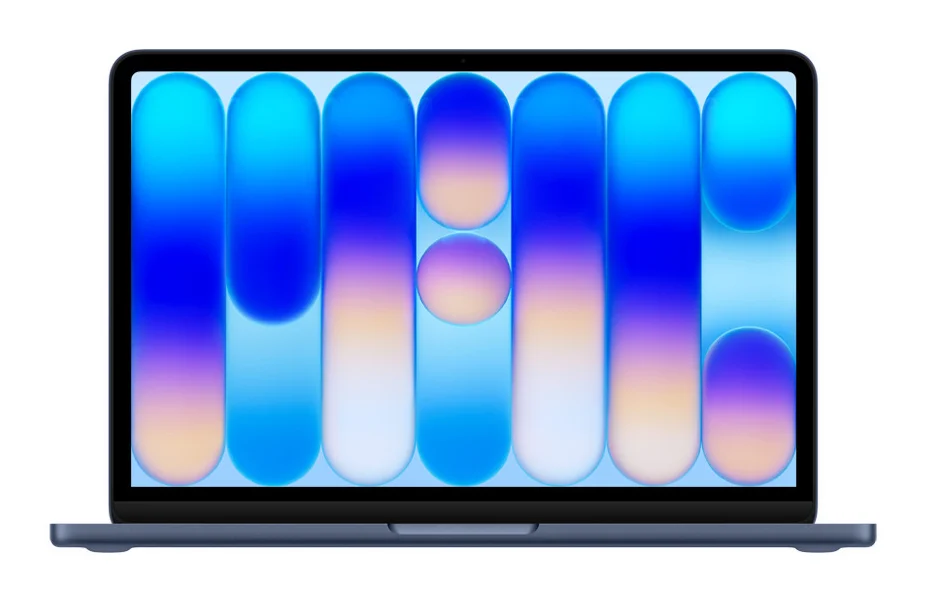
Price: $699 on Apple’s US store (October 25, 2026), A18 Pro chip with a 6-core CPU, 8 GB of memory, 256 GB SSD. The 512 GB version is $799.
The MacBook Neo is Apple’s lowest-priced laptop and the cheapest way into FL Studio on a Mac. It runs the A18 Pro chip, which FL Studio supports like any other Apple Silicon chip, on a 13-inch screen. It weighs 2.7 pounds and Apple rates it at up to 16 hours of video playback.
Two things to know before you buy. It comes with 8 GB of memory, which is fine for beats, synths and simple vocal songs, but tight for big sample libraries. And of its two USB-C ports, one is USB 3 and one is the slower USB 2, so plug your audio interface into the USB 3 port. It does have a headphone jack. Spend the extra $100 on the 512 GB model if you can.
Who it’s for: beginners who want a Mac for beat-making and songwriting on a tight budget. See the full specs on Apple’s site.
Best mid-range laptops for music production ($800 to $1,500)
In this range you get a faster chip, more storage or a better screen. The 13-inch MacBook Air ($1,299) also sits here, and you’ll find it first in the MacBook group below.
3. ASUS Zenbook 14
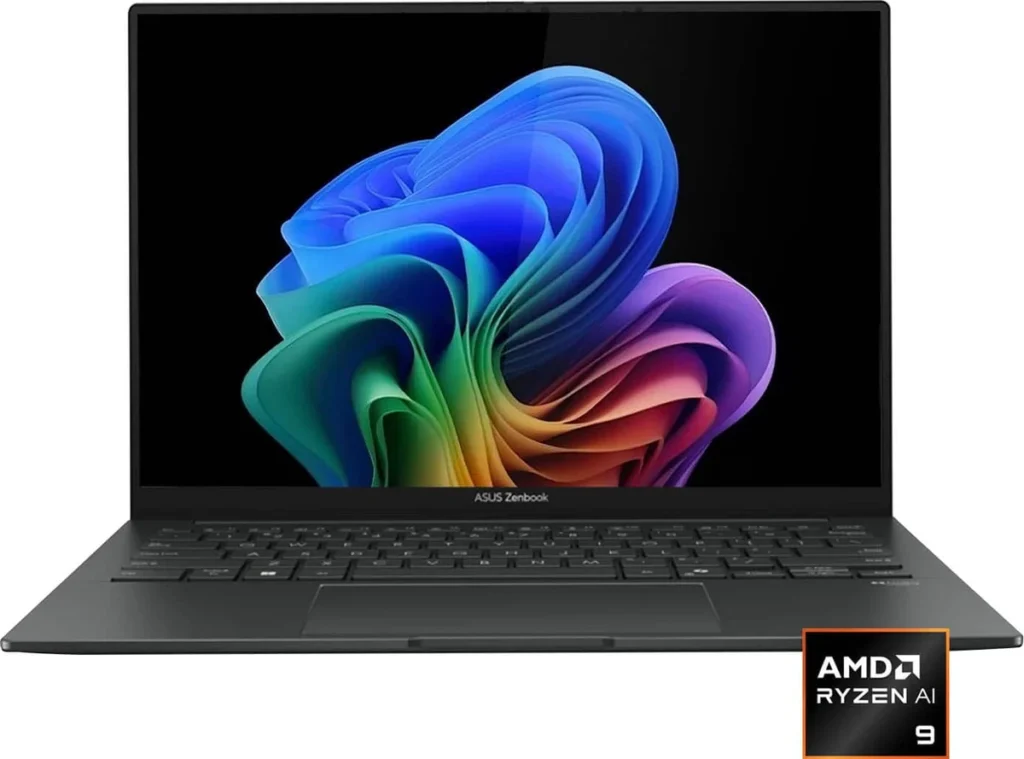
Price: $899.99 at Best Buy (October 2026), AMD Ryzen AI 9 465, 16 GB of RAM, 512 GB SSD (model UM3405GA-ZB_70).
The Zenbook 14 puts a strong chip in a small, light laptop. For music, the processor is the reason to pick it: a Ryzen AI 9 465 from AMD’s 2026 Ryzen AI 400 series, paired with 16 GB of fast LPDDR5X memory. The 14-inch OLED touchscreen is sharp and bright, and the whole laptop weighs 2.82 pounds.
The ports are just right for a small setup. Best Buy’s spec table lists one USB4 USB-C port, one USB-C 3.2 port, a USB-A port, HDMI 2.1 and a headphone jack, and it charges over USB-C. Plug your audio interface into the USB4 port and your MIDI keyboard into the USB-A port.
Who it’s for: producers who want real processing power in a laptop that fits in any bag.
4. Lenovo Yoga 7i 2-in-1 (16-inch)
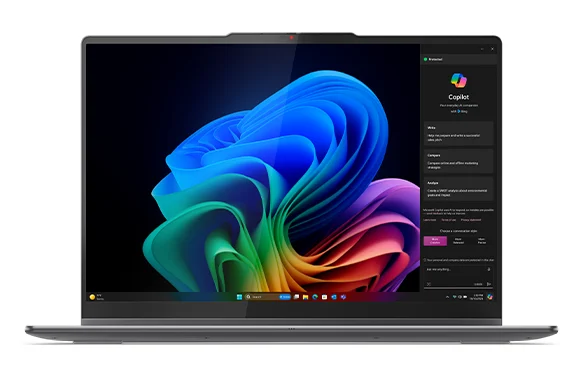
Price: $849.99 on Lenovo’s US store (October 25, 2026), Intel Core Ultra 5 226V, 16 GB of RAM, 1 TB SSD.
The Yoga 7i 2-in-1 gives you a big 16-inch touchscreen and a full 1 TB SSD for under $900, which is a lot of room for sample packs. Its Core Ultra 5 226V chip comes from Intel’s low-power V-series, which is built to run cool. The screen folds back into a tablet, which makes it handy as a big lyric sheet in the vocal booth.
Lenovo lists a 70 Wh battery. Best Buy sells a version with the faster Core Ultra 7 256V and a 512 GB SSD for $799.99 (October 2026), with two Thunderbolt ports and HDMI on its spec sheet. Pick the 1 TB model if you collect sounds, and the Core Ultra 7 model if you run lots of synths.
Who it’s for: producers who want a big screen and lots of storage for little money.
Best MacBooks for music production
Every current MacBook uses an Apple M-series chip, and FL Studio runs on all of them natively. The question is how big your projects get, and how many ports you need.
5. Apple MacBook Air 13-inch (M5)
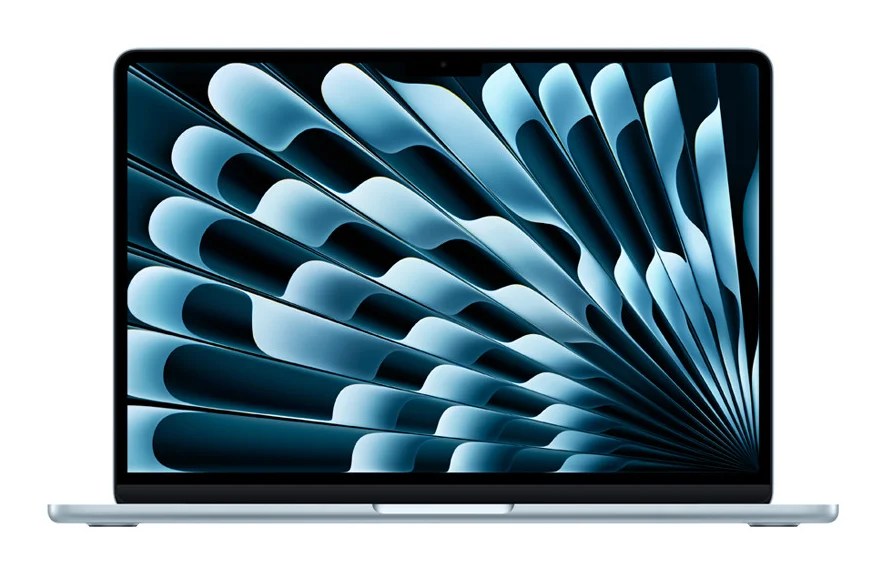
Price: $1,299 on Apple’s US store (October 25, 2026), M5 chip with a 10-core CPU and 8-core GPU, 16 GB of memory, 512 GB SSD.
This is the best laptop for music production for most people. The M5 chip is fast enough for big FL Studio projects, and the MacBook Air has no fan at all, so it’s completely silent while you record. No fan means no noise. Apple rates it at up to 18 hours of video playback, and it weighs 2.7 pounds.
You get two Thunderbolt 4 ports, MagSafe charging, so both ports stay free for your gear, and a headphone jack with support for high-impedance studio headphones. You can order it with 24 GB or 32 GB of memory if you use big sample libraries.
Who it’s for: almost everyone, especially if you record vocals in the same room. See the full specs on Apple’s site.
6. Apple MacBook Air 15-inch (M5)
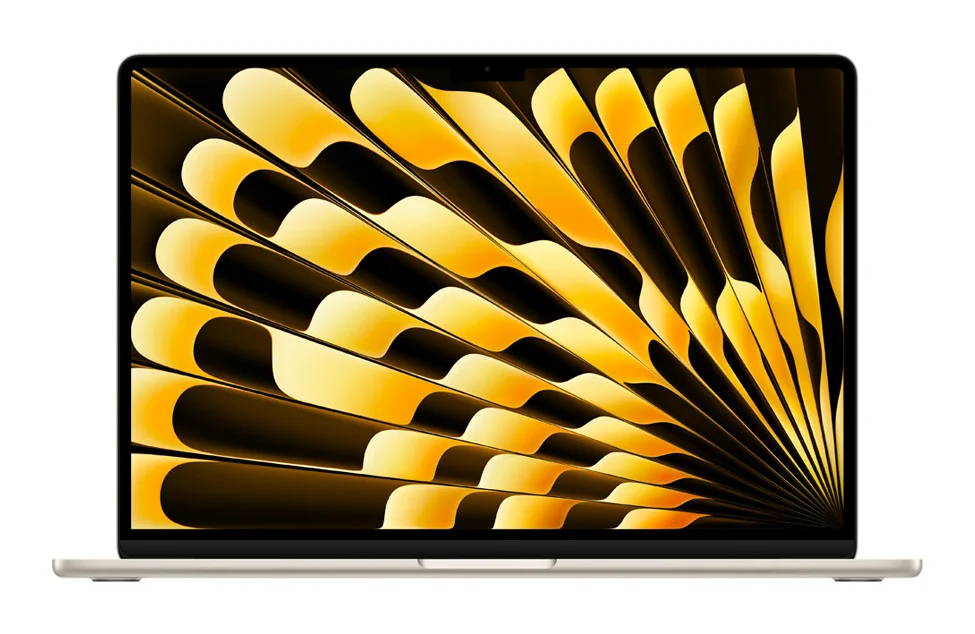
Price: $1,499 on Apple’s US store (October 25, 2026), M5 chip with a 10-core CPU and 10-core GPU, 16 GB of memory, 512 GB SSD.
Same silent, fanless design, with a bigger 15-inch screen. That extra width matters more than you’d think in a music app: you see more of the Playlist, more mixer tracks and bigger plugin windows without zooming. It also comes with the 10-core GPU version of the M5 as standard. It’s the easy upgrade.
Who it’s for: producers who want the MacBook Air’s silence with more screen room for arranging and mixing.
7. Apple MacBook Pro 14-inch (M5)
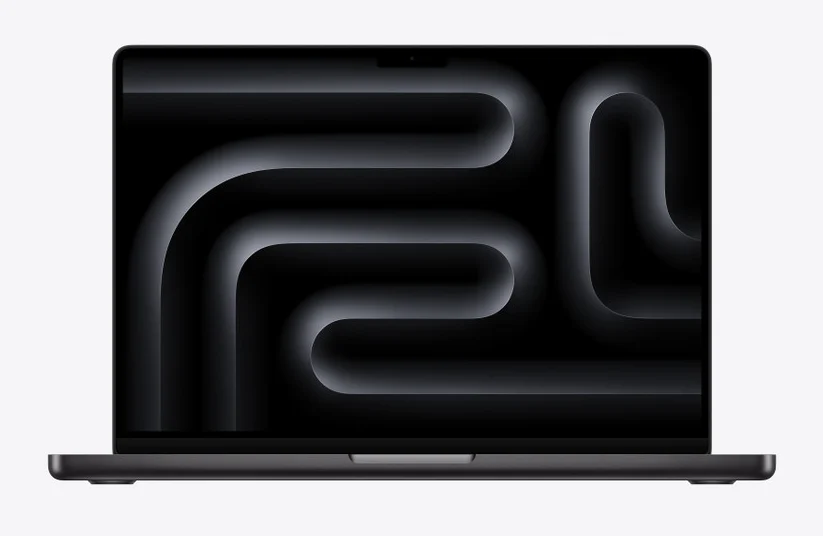
Price: $1,999 on Apple’s US store (October 25, 2026), M5 chip with a 10-core CPU and 10-core GPU, 16 GB of memory, 1 TB SSD.
The 14-inch MacBook Pro adds a fan for long, heavy sessions, plus far more ports. You get three Thunderbolt 4 ports, HDMI, an SD card slot and a headphone jack with high-impedance support. It also starts with a 1 TB SSD, and you can order up to 32 GB of memory.
Want more cores? The 14-inch with an M5 Pro chip (15-core CPU, 24 GB of memory, 1 TB SSD) is $2,499 on Apple’s store, and it adds Thunderbolt 5.
Who it’s for: producers with an audio interface, a MIDI keyboard and a drive, who don’t want a dock. See the full specs on Apple’s site.
8. Apple MacBook Pro 16-inch (M5 Pro)
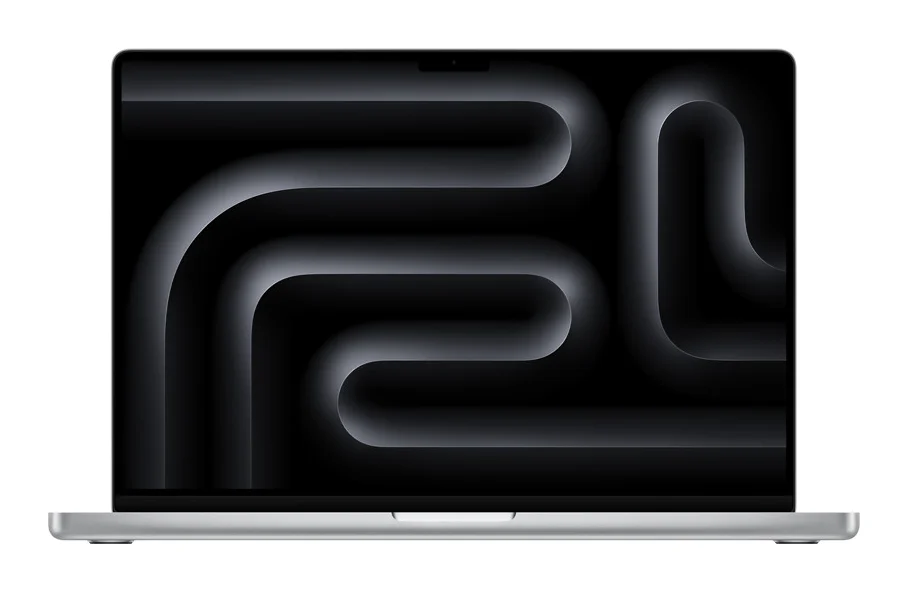
Price: $2,999 on Apple’s US store (October 25, 2026), M5 Pro chip with an 18-core CPU and 20-core GPU, 24 GB of memory, 1 TB SSD.
This is the MacBook for huge projects. The M5 Pro’s 18-core CPU handles dozens of heavy synths at once, and the 16-inch screen fits a full mix. It has three Thunderbolt 5 ports, HDMI, an SD card slot and a headphone jack. With the M5 Max chip you can order it with up to 128 GB of memory, enough for full orchestral templates.
Who it’s for: film and orchestral composers, and anyone whose projects already push a smaller laptop too hard.
Best Windows laptops for big music projects
These three have the strongest chips and 32 GB of memory or more. They cost more, but they handle the biggest projects without breaking a sweat.
9. Lenovo Yoga Pro 7i Aura Edition
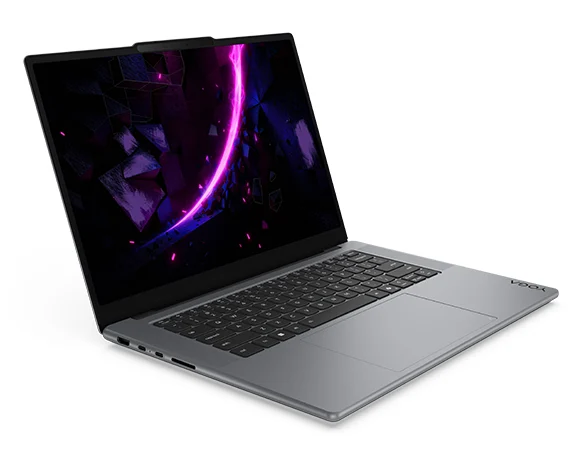
Price: $2,199.99 at Best Buy (October 2026), Intel Core Ultra 9 386H, 32 GB of RAM, 1 TB SSD, NVIDIA GeForce RTX 5060.
The Yoga Pro 7i Aura Edition is the best-value Windows laptop for heavy music projects. Its Core Ultra 9 386H is one of Intel’s fastest 2026 laptop chips, and 32 GB of memory leaves room for big sample libraries. The 15.3-inch 3K OLED screen is sharp enough to show a full arrangement. It’s the one we’d buy on Windows.
Best Buy’s spec sheet lists two Thunderbolt ports, two more USB ports, HDMI and a headphone jack, and a weight of 3.85 pounds. That’s enough ports for an interface, a keyboard and a drive without a dock.
Who it’s for: Windows producers who want desktop-class power at a fair price. See it on Lenovo’s site.
10. Dell XPS 16
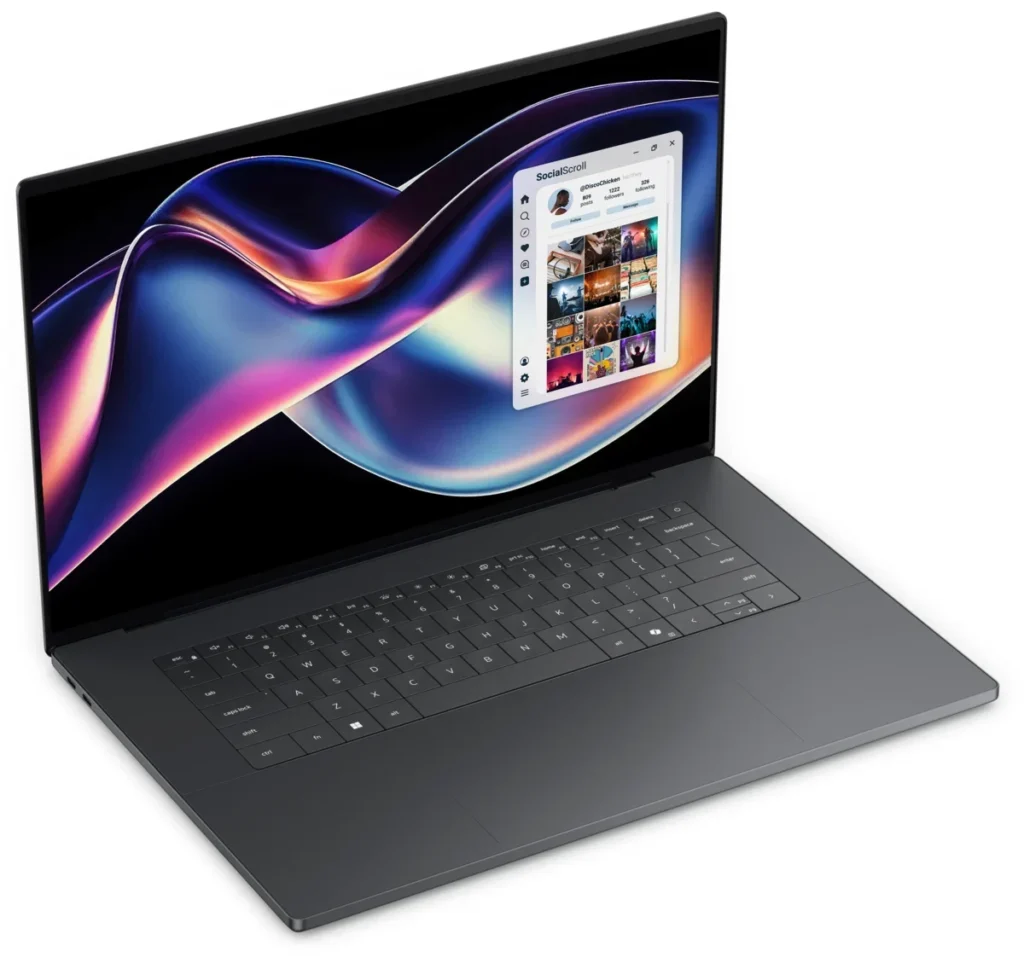
Price: $3,149.99 on Dell’s US store (October 25, 2026), Intel Core Ultra 7 358H with 16 cores, 32 GB of RAM, 1 TB SSD.
The XPS 16 is Dell’s premium big-screen laptop, rebuilt for 2026 with Intel’s Core Ultra Series 3 chips. The 16-core Core Ultra 7 358H gives plenty of power for long FL Studio sessions, and there’s no gaming graphics card to heat things up. Dell rates the battery at up to 31 hours of streaming with the 2K screen. And it’s only 14.62 mm thin.
It has three Thunderbolt 4 ports, all USB-C. The base model with a Core Ultra 5 325, 16 GB and 512 GB costs $2,299.99, but for music we’d go straight to the 32 GB version above.
Who it’s for: producers who want a thin, premium Windows laptop with a big screen and long battery life.
11. ASUS ProArt P16
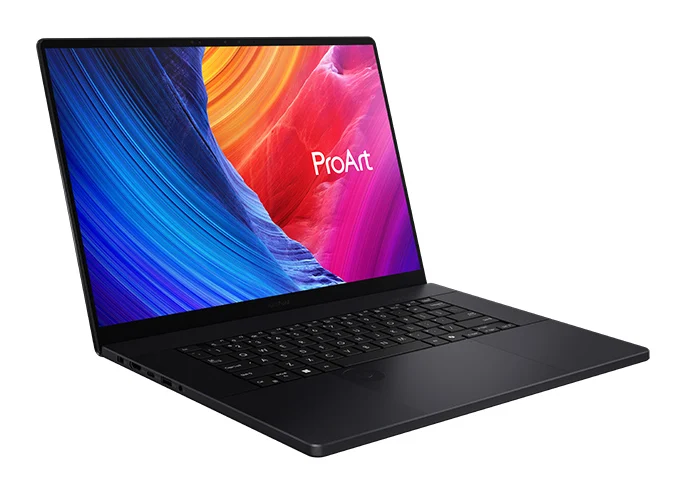
Price: $3,999.99 at Best Buy (October 2026), AMD Ryzen AI 9 HX 370, 64 GB of RAM, 2 TB SSD, NVIDIA GeForce RTX 5070.
The ProArt P16 is ASUS’s laptop for creators, and this configuration is the most memory on our list: 64 GB, plus a 2 TB SSD. The Ryzen AI 9 HX 370 has 12 cores that boost up to 5.1 GHz, and the 16-inch 4K OLED touchscreen works with a stylus. It’s the one to get if you also edit video for your music.
It has a USB4 port, more USB ports, HDMI and a headphone jack, and it weighs 4.08 pounds. Make sure you buy the Ryzen model shown here. The newer 2026 P16 with NVIDIA’s RTX Spark chip uses an ARM processor, which FL Studio doesn’t support on Windows.
Who it’s for: producers who also edit music videos, or run giant sample libraries. See it on ASUS’s site.
Best portable laptops for music production (long battery life)
If you make music on the train, at work at lunch or on the couch, battery life and weight matter more than raw power. The 13-inch MacBook Air above is the top pick here too. These two are the best on Windows.
12. ASUS Zenbook S14
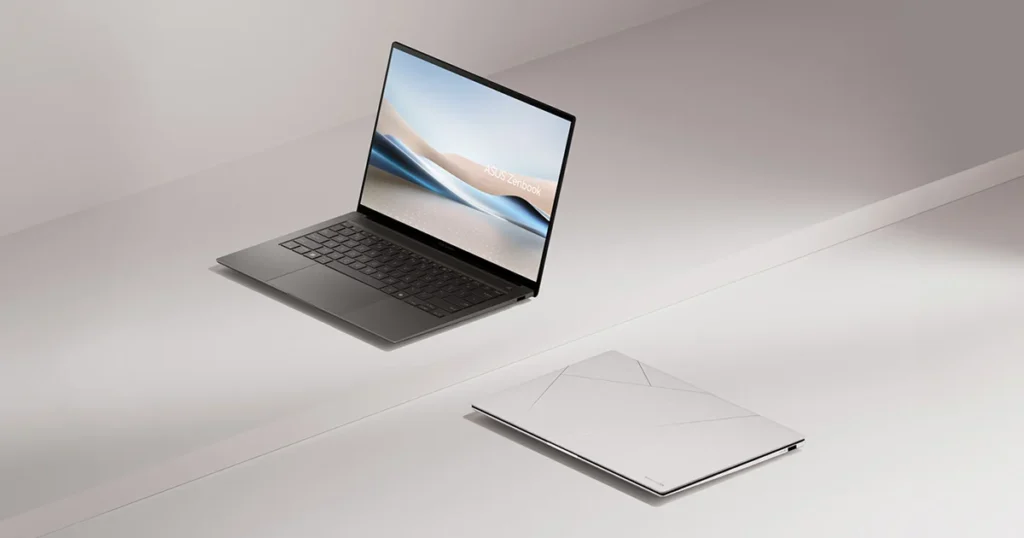
Price: $1,599.99 at Best Buy (October 2026), Intel Core Ultra 7 258V, 32 GB of RAM, 1 TB SSD.
The Zenbook S14 is the thin-and-light pick with the most memory: 32 GB in a laptop that weighs 2.65 pounds. Its Core Ultra 7 258V comes from Intel’s low-power V-series, built for battery life, and Best Buy lists up to 27 hours. The 14-inch OLED touchscreen makes plugins easy to read.
It still has a full set of ports for its size: two Thunderbolt ports, a USB-A port, HDMI and a headphone jack, according to Best Buy’s spec sheet.
Who it’s for: producers who carry their laptop every day and use big sample libraries. See it on ASUS’s site.
13. Lenovo Yoga 7i 2-in-1 (14-inch)
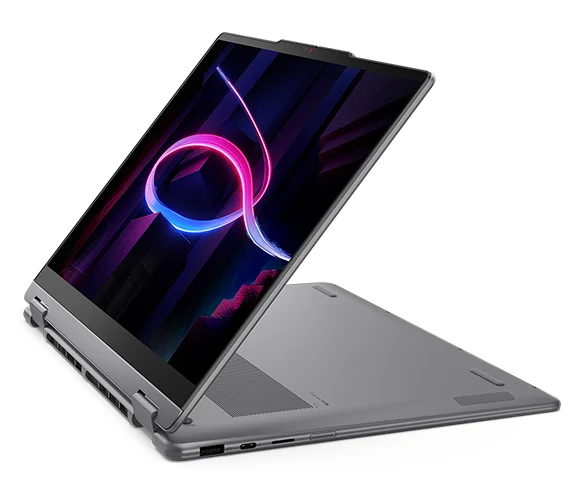
Price: $849.99 at Best Buy (October 2026), Intel Core Ultra 5 322, 16 GB of RAM, 512 GB SSD.
The 14-inch Yoga 7i 2-in-1 is the budget way to get a portable Windows laptop with a 2026 chip. It runs Intel’s Core Ultra 5 322 from the Series 3 family, with a 14-inch 2K OLED touchscreen that folds into a tablet. Best Buy lists up to 16 hours of battery and a weight of 3.08 pounds.
You get two Thunderbolt ports, a USB port, HDMI and a headphone jack. That covers an interface and a keyboard on the go.
Who it’s for: beginners who want a small, flexible Windows laptop for music on the move. See it on Lenovo’s site.
How do you keep a laptop running smoothly in FL Studio?
Keep the laptop plugged in, pick an ASIO driver and raise the buffer length until the crackling stops. Max’s rule from his CPU video: “The most important thing in saving CPU is actually the buffer length.” A setting of 512 samples is a good place to start while you mix.
Laptops slow their processor down to save battery, and those speed changes can cause pops and clicks. Small changes fix most of it. These habits help on any laptop:
- Plug in the charger while you work, and on Windows pick the High performance power plan.
- Open Options > Audio settings and choose FL Studio ASIO or your interface’s own driver.
- Set the buffer to 512 samples to mix, and lower it only while you record.
- Turn on Smart disable, so plugins that aren’t playing stop using power.
- Close plugin windows you aren’t using. F12 closes them all at once.
- Turn your heaviest synth into an audio clip once its part is done.
Image-Line suggests a maximum processor state of 99% on Windows laptops, so the CPU doesn’t jump into turbo mode, overheat and slow down. Every step, with screenshots, is in our guide to fixing FL Studio crackling and CPU overload.
All 13 laptops side by side
| Laptop | Chip | RAM / SSD | Price |
|---|---|---|---|
| Acer Swift Go 16 AI | Core Ultra 5 322 | 16 GB / 512 GB | $699.99 |
| Apple MacBook Neo | A18 Pro | 8 GB / 256 GB | $699 |
| ASUS Zenbook 14 | Ryzen AI 9 465 | 16 GB / 512 GB | $899.99 |
| Lenovo Yoga 7i 2-in-1 16 | Core Ultra 5 226V | 16 GB / 1 TB | $849.99 |
| MacBook Air 13 (M5) | M5 | 16 GB / 512 GB | $1,299 |
| MacBook Air 15 (M5) | M5 | 16 GB / 512 GB | $1,499 |
| MacBook Pro 14 (M5) | M5 | 16 GB / 1 TB | $1,999 |
| MacBook Pro 16 (M5 Pro) | M5 Pro | 24 GB / 1 TB | $2,999 |
| Lenovo Yoga Pro 7i Aura | Core Ultra 9 386H | 32 GB / 1 TB | $2,199.99 |
| Dell XPS 16 | Core Ultra 7 358H | 32 GB / 1 TB | $3,149.99 |
| ASUS ProArt P16 | Ryzen AI 9 HX 370 | 64 GB / 2 TB | $3,999.99 |
| ASUS Zenbook S14 | Core Ultra 7 258V | 32 GB / 1 TB | $1,599.99 |
| Lenovo Yoga 7i 2-in-1 14 | Core Ultra 5 322 | 16 GB / 512 GB | $849.99 |
What else do you need besides the laptop?
Less than you think. Max sums up the whole starter kit in Mix Elite’s gear video: a computer, a pair of headphones and your music software. “That’s all the necessary hardware you need to make music,” he says. Everything else can wait until you know you need it.
- Headphones: a flat-sounding pair you’ll mix on every day. See our studio headphones guide.
- An audio interface: only once you record a mic or a guitar. Start with our budget audio interface picks.
- A MIDI keyboard: optional, but fun for chords and melodies. Our MIDI keyboard guide covers 20 of them.
For the full picture, including the room and what to buy in what order, read our home studio setup guide for beginners. Then get the laptop that fits your budget, and start making music on it tonight.
DAY 1 OF THE 7-DAY MUSIC PRODUCER COURSE
Got the laptop? Day 1 sets up the rest
Day 1 of Mix Elite’s 7-Day Music Producer Course is all about your setup and workflow: exactly which gear and software to get (and what to skip), the ‘Perfect Triangle’ formula for a pro-sounding home studio on any budget, and the FL Studio features you need to move fast from day one. It’s taught in FL Studio, and the free trial works. At the end, a pro gives you personal feedback on your finished track. It’s $27, with 60-day refunds.
Frequently asked questions
How much RAM do I need for music production?
16 GB of RAM is right for most home producers. It handles big FL Studio projects with plenty of synths, effects and vocals. 8 GB works for beats and simple songs, but fills up fast with sample libraries. Choose 32 GB if you use big orchestral, piano or drum libraries, because on most new laptops the memory can’t be upgraded later.
Is 8GB of RAM enough for FL Studio?
Yes, for beats, synth-based songs and simple vocal tracks. Image-Line lists 4 GB as FL Studio’s minimum and recommends 8 to 16 GB. You’ll feel the limit once you load big sample libraries or keep many heavy plugins open. If you buy a new laptop to keep for years, 16 GB is the safer choice.
Is a MacBook Air good enough for music production?
Yes. The 13-inch MacBook Air with the M5 chip and 16 GB of memory handles big FL Studio projects, and it has no fan, so it stays silent while you record. Apple rates it at up to 18 hours of video playback. Get a MacBook Pro only if you need more ports or run very large projects for hours.
Do you need a graphics card for music production?
No. Music software runs on the processor and memory, not the graphics card. The built-in graphics in Apple, Intel and AMD chips are plenty for FL Studio, even with a second screen. A gaming graphics card adds cost, weight and fan noise. Only get one if you also edit video or play games on the same laptop.
What is the best laptop for FL Studio?
For most people, the 13-inch MacBook Air with the M5 chip and 16 GB of memory ($1,299 at Apple). FL Studio runs natively on Apple Silicon and on Intel or AMD Windows laptops. On a budget, the Acer Swift Go 16 AI ($699.99 at Best Buy) is the best value. Avoid Windows laptops with ARM chips, which FL Studio doesn’t support.